Features
From brief to synced finale
Aurora handles the magic and the operations — AI show building on one side, contracting, payments, approvals, broadcast, and safety on the other.

AI Show Builder
From a text brief to a full, music-synced show
Describe the moment — a wedding proposal, a brand launch, a town festival — add a logo and a soundtrack, and Aurora drafts a complete show with synced formations and AI-generated drone logos. You stay in the loop: every draft is editable, and generation is cost-metered so you always know what a render will spend.
- Text-to-show drafting with music synchronization
- AI-generated drone logos from an uploaded mark
- Cost-metered generation with per-render budgets
- Safety gating before a show can advance

Contracting & payments
Quote, sign, and get paid — on Stripe Connect
Send branded quotes, collect e-signatures, and invoice with down payments or installments. Payments run on full Stripe Connect, so funds settle directly to your account; Aurora charges a small platform fee on processed payments rather than holding your money.
- Branded quotes and e-signature contracts
- Down payments, installments, and deposits
- Stripe Connect — funds settle directly to you
- A transparent platform fee on processed payments
Previews & approval
Preview, comment, and lock an approved cut
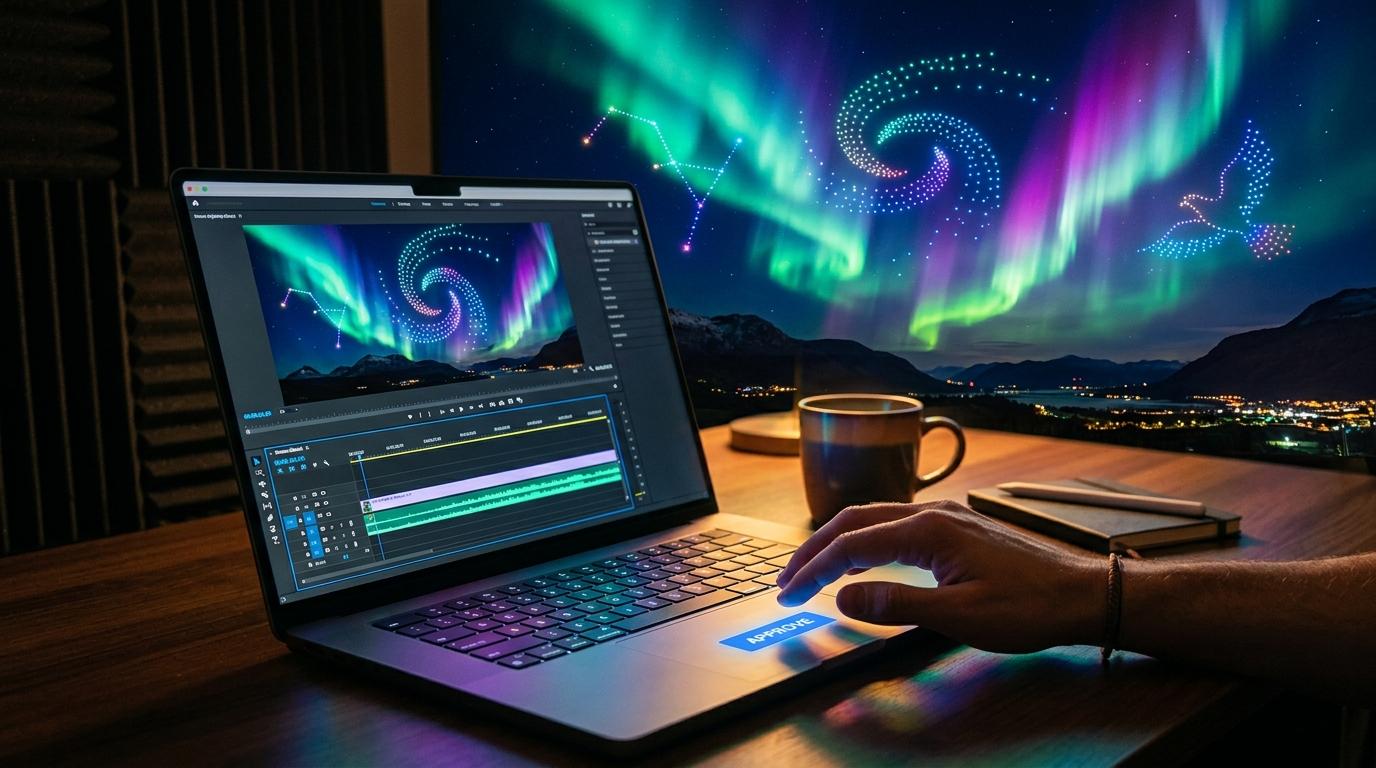
Upload audio and video and review the show on a scrubbable timeline. Clients leave comments anchored to exact moments, you resolve them, and the final version is locked with an explicit, recorded sign-off — so everyone knows what was approved before launch night.
- Scrubbable timeline preview of audio and video
- Timeline-anchored client comments
- Versioning with a clear approved state
- Explicit, recorded client sign-off
Synced broadcast
A phone-synced soundtrack for the whole crowd
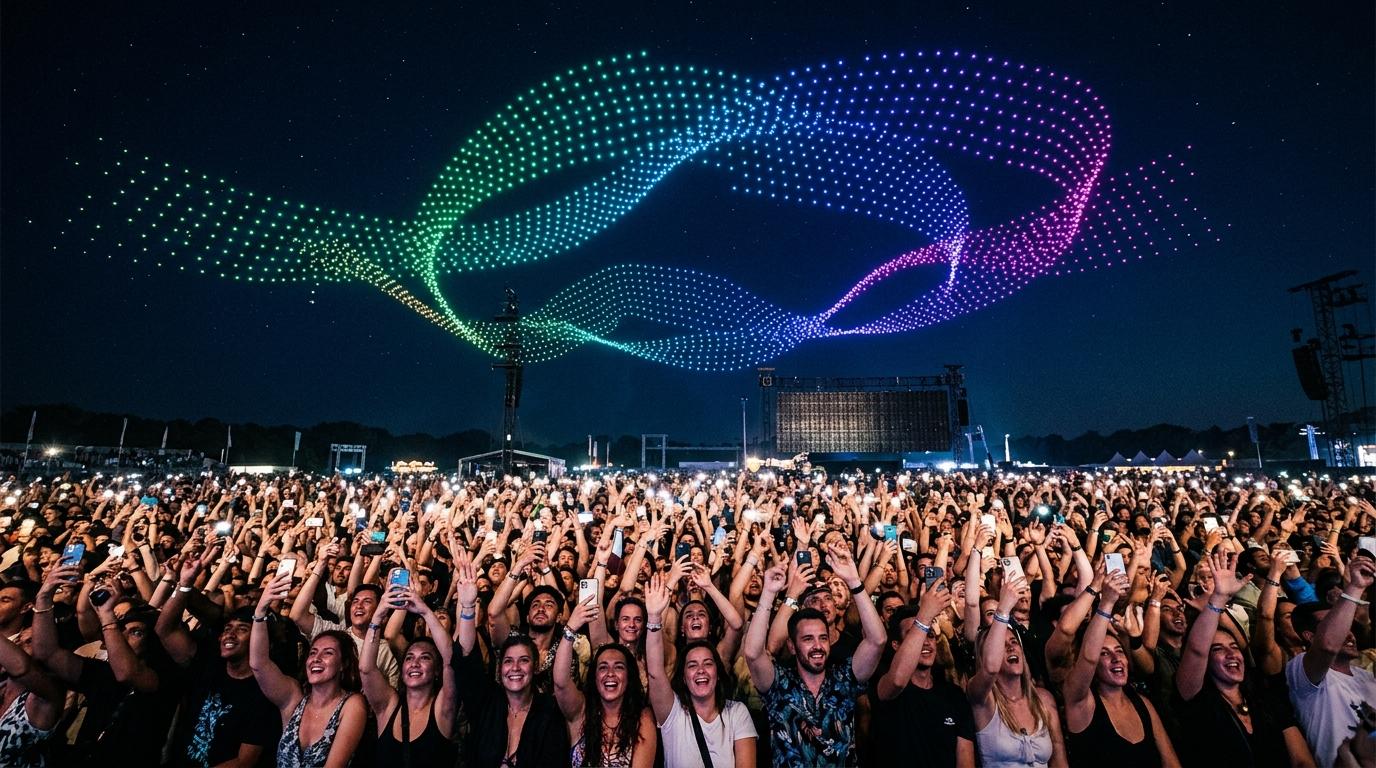
Share a QR code and the audience joins from their phones, playing your soundtrack in tight sync via a shared server clock. Make the moment communal — and let attendees tip toward a named cause right from the broadcast page.
- QR-code join, no app install required
- Server-clock synchronization across many devices
- Your branding on the broadcast page
- Optional tipping toward a named cause
Show Safety Maps
Plan launches with layered safety diagrams
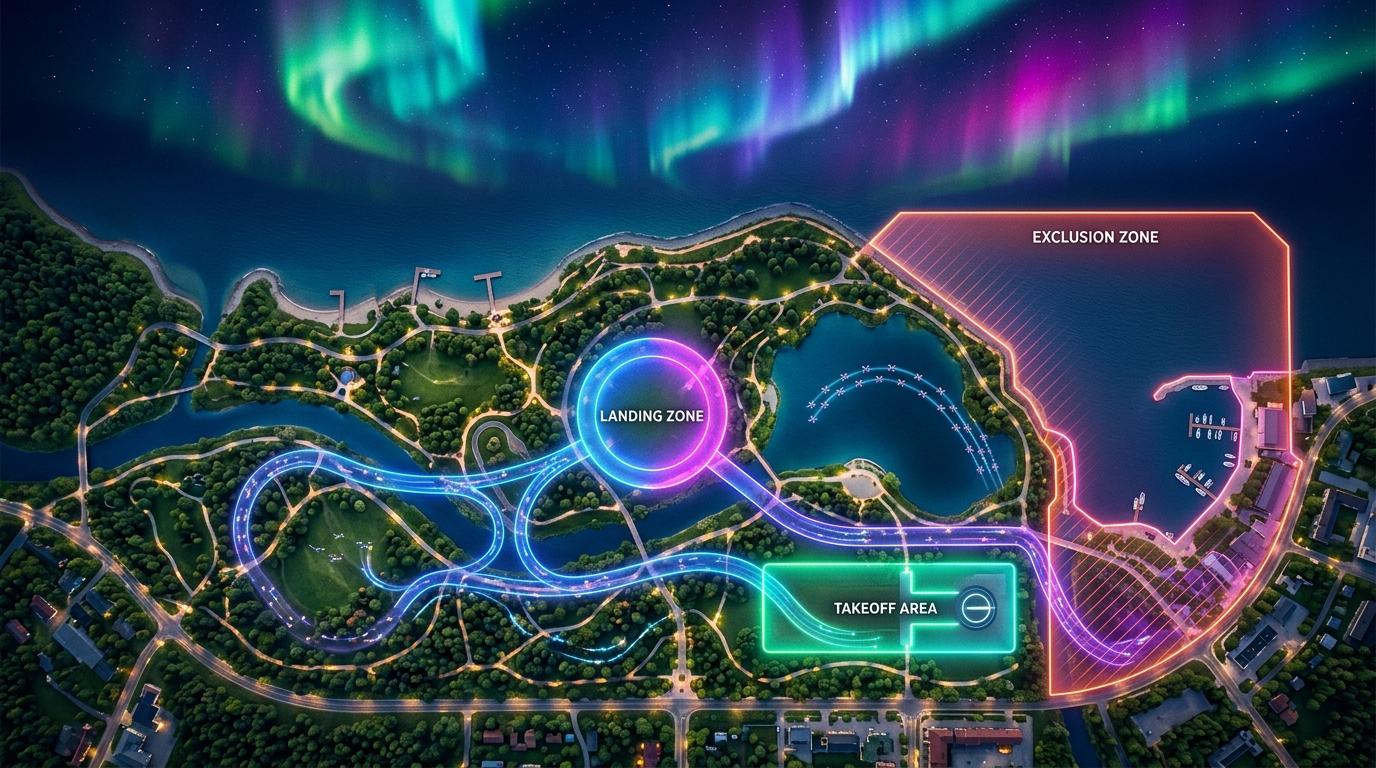
Draw takeoff, landing, flight-path, and exclusion-zone layers on an interactive map, and overlay FAA airspace classes for context. Share the diagram with clients and venues, and export it to PDF for your records. Airspace overlays are an advisory aid — you stay responsible for authorizations and regulatory compliance.
- Layered takeoff, landing, flight-path, and exclusion zones
- FAA airspace class overlay (advisory context)
- Shareable map links for clients and venues
- PDF export for planning records

White-label branding
Your brand on every client surface
Aurora is the engine; your brand is what clients see. Apply your logo, colors, and custom domain across the client portal, invoices, the preview player, and the broadcast page. The platform recedes so your studio stands out.
- Custom logo and color palette
- Custom domain for client-facing surfaces
- Branded portal, invoices, player, and broadcast
- Consistent identity end to end
Ready to light up the sky?
Start building shows today, or book a walkthrough with our team.